Automated Invoice Processing: AP Efficiency Guide
By OCTA Finance Team — Finance automation research & guides, reviewed by OCTA
Modernize your accounts payable with automated invoice processing. Cut operational costs and manual errors to free your finance team for key tasks.
Transform Your AP with Automated Invoice Processing
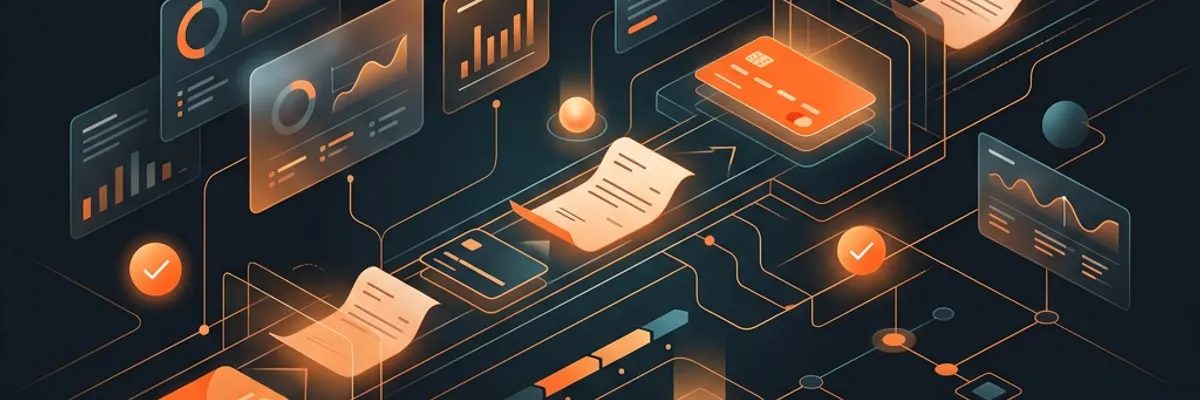
Traditional accounts payables workflows are often bogged down by manual labor. Typing invoice data into a spreadsheet is a slow, error-prone task that keeps your finance team from doing meaningful work. Automated invoice processing changes this by using software to read, verify, and route your incoming bills instantly. This technology is a game-changer for businesses that handle high volumes of invoices. Instead of wasting hours on data entry, your staff can oversee the system and manage exceptions. This creates a more agile financial department capable of supporting rapid business expansion without the usual growing pains of back-office administration.
Key Advantages of Automating Your Invoicing
The most immediate benefit is a drastic reduction in manual work. Automation software can pull data from an invoice and match it against your purchase orders with high precision. This eliminates the common headache of finding typos or missing line items in your records. Beyond accuracy, you also gain better financial visibility. You will know exactly what is pending, what has been approved, and what is due next week. This level of insight is crucial for maintaining a healthy cash flow. It also ensures that your company always stays compliant with your internal financial policies.
How to Successfully Launch Your Automation Project
Do not simply install software and hope for the best; you need a strategy to make it stick. Start by picking a tool that actually integrates with the accounting platform you already use. If the two systems do not talk to each other, you will end up with more manual work, not less. Prepare your team by involving them early in the selection process. Explain that this change is about helping them work smarter, not replacing them. Address concerns about security by using tools with strong encryption. Finally, conduct a small pilot program before rolling it out to the entire company.
A Simple Implementation Checklist
- Inventory every step of your current manual invoice intake.
- Select a cloud platform that integrates with your existing ERP.
- Test the system with one specific vendor before expanding.
- Establish clear rules for automated approval limits.
- Monitor the error rate to optimize system settings over time.
Automated invoice processing is more than just a software update; it is a fundamental shift in how your business handles its liabilities. By investing in these tools now, you ensure your company has the lean, efficient back office needed to succeed in a competitive digital market.