
AI Accounting Copilot

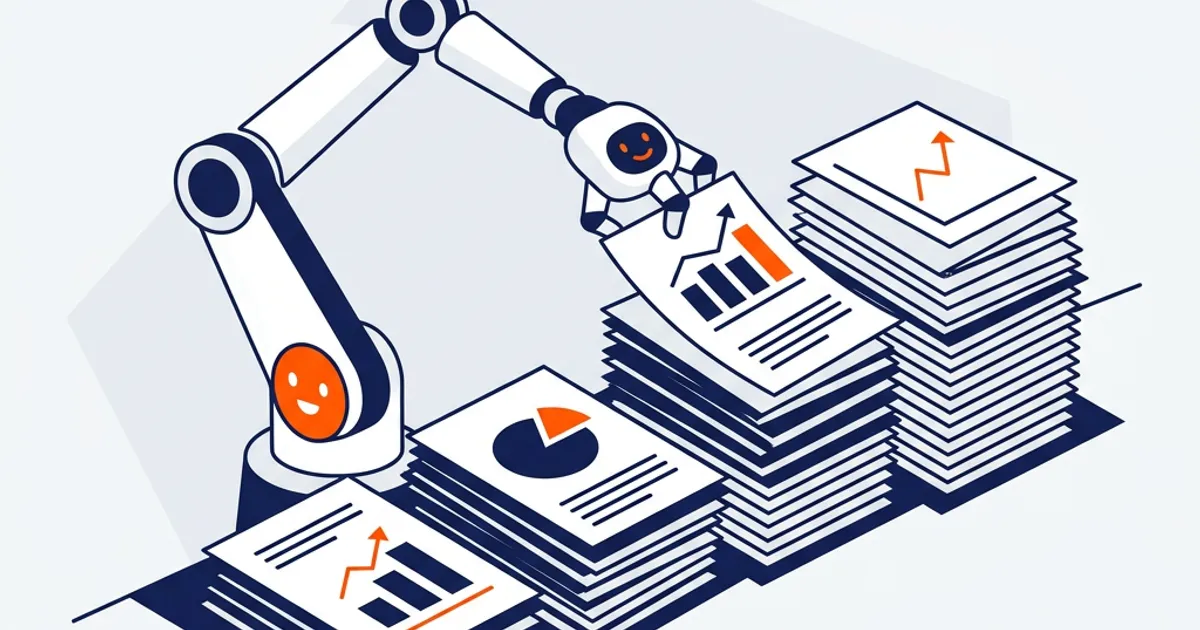
An AI accounting copilot is an AI assistant that works alongside an accountant, taking on parts of the work while the accountant stays in control. The useful version doesn't just suggest — it executes reconciliations, close steps, and reporting on your real files, flags exceptions, and hands the results back for review and sign-off.
Two very different things get called "copilot"
The word "copilot" is everywhere, and it covers two very different capabilities. One is a suggestion copilot: it sits in the corner offering tips, autocompleting text, or answering questions — helpful, but the accountant still does all the actual work. The other is an execution copilot: it performs the task on your data and reports back, so the accountant reviews and steers rather than grinds.
For an accounting firm, only the second kind changes anything. A copilot that suggests how to reconcile an account still leaves you reconciling it. A copilot that reconciles it and shows you the exceptions gives you your afternoon back.
The human-in-the-loop model
The best framing for a copilot is human-in-the-loop AI: the AI does the volume, the human makes the judgment calls and holds accountability. That's the opposite of a fully autonomous "autopilot," and it's the right model for work that ends up in front of clients and reviewers. The accountant is always the pilot; the AI flies the routine legs.
A plain chatbot fails as a copilot on both counts — it can't execute (no connection to your ledger, no procedures) and it can't be steered within a controlled process (no findings by severity, no audit trail).
How OCTA Flow works as a copilot
OCTA Flow is an execution copilot for firms. You direct; it does the work:
- Skills — 100+ pre-built procedures, so it executes to your standard from the start.
- Connectors — QuickBooks, Xero, Sage, and Zoho, so it works on live data.
- Automations — recurring work runs on schedule alongside you.
- Approvals + audit trail — you review findings by severity and sign off; every action is logged.
Its Ask / Plan / Agent modes let you keep it in an advisory seat or hand it the controls, task by task. On 200+ independent accounting scenarios, Flow scored 83% accuracy, with review before sign-off. Concretely, it runs bank reconciliation automation and month-end close automation as your copilot, inside the broader AI accounting workspace.
Earning the controls, task by task
The best way to adopt a copilot is to hand it more responsibility as it earns your trust. A firm typically starts with the copilot in Plan mode on a familiar task — say a bank reconciliation — checking that its proposed steps match how the firm actually works. Once the plans are consistently right, the team moves to Agent mode but reviews every finding closely. After a few clean cycles, the copilot runs that task as a scheduled Automation and the reviewer only checks the exceptions it flags. Nothing about that progression removes the human; it just moves the human from doing the work to steering it, at a pace the firm sets rather than one imposed by the software.
Trust, control, and security
A copilot only works if the pilot stays in control. Each firm's data is isolated and is not used to train models. Quality Gates check output before it reaches you, sign-off is blocked while a Critical finding is open, and entries are proposed rather than auto-posted. You decide how much to hand off and when — the copilot never signs the name.
Frequently Asked Questions
What does an AI accounting copilot actually do? The execution kind performs the work — reconciliations, close steps, reporting — on your real files and flags exceptions, while you review and sign off. That's the model OCTA Flow uses.
Is a copilot the same as autopilot? No. A copilot works human-in-the-loop: you keep judgment and sign-off. Flow is deliberately not a fully autonomous system.
How is it different from a chatbot copilot? A chatbot suggests; it can't reach your ledger or leave an audit trail. Flow executes on your data and logs every step.
How much control do I keep? Full control. Use Ask or Plan mode for advice, Agent mode to execute, and review findings before anything is final.
See a copilot that does the work, not just suggests it — free for 30 days. → Start your trial