
How to Automate AR Aging Analysis in Xero with AI

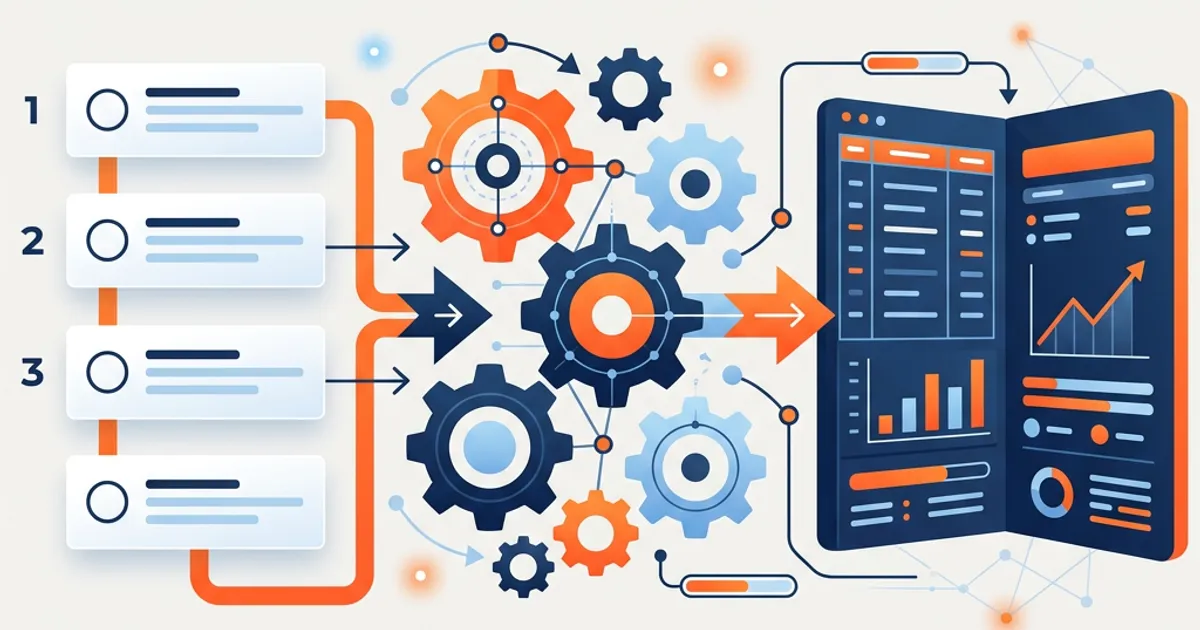
The short answer: You automate AR aging analysis in Xero with AI by connecting Xero and letting the AI bucket every open invoice by age, flag the accounts most at risk, and draft the analysis and follow-up. In OCTA Flow, you pick the AR Aging Analysis Skill, run it for the client and period, review the flagged accounts by severity, and act on them yourself — the AI does the sorting and analysis, your team makes the collection calls.
What AR aging analysis costs your firm today
Xero produces an aged receivables report in a click, but the report is not the analysis. Someone still has to read it: figure out which balances are genuinely at risk versus disputed versus just slow, spot the customer whose overdue balance keeps growing month over month, separate a few large problem accounts from a long tail of small ones, and turn all of that into something the client can act on. Done monthly across a book of clients, it's hours of interpreting the same report over and over — and the insight that matters (this customer is quietly becoming a bad-debt problem) is easy to miss when you're just glancing at buckets. The report generation is instant; the interpretation is the work, and it's exactly what an AI pass should draft for review.
How to automate AR aging analysis in Xero with OCTA Flow (step by step)
- Connect Xero. In Settings → Integrations, authorize Xero so Flow pulls open invoices, payment history, and customer records directly — no manual export.
- Start an engagement and pick the AR Aging Analysis Skill. The Skill knows your aging buckets, materiality threshold, and how the client wants the analysis framed.
- Select the client and as-of date. Flow pulls the open receivables and the payment history behind them.
- Run it. The agent buckets invoices by age, ranks accounts by balance and risk, flags customers whose overdue balance is trending up, and drafts the collection narrative — logging every step.
- Review by severity. A large, long-overdue balance or a customer sliding toward bad debt is flagged High; a small, recently-late invoice is Low. You adjust the buckets, add context, or re-run.
- Act on the flags. Flow produces the analysis and can draft follow-up messaging. It does not send anything — you decide which accounts to chase and how.
- Sign off. Once you've reviewed the flagged accounts, you approve, and the engagement locks with a full audit trail.
What Flow produces
The output is a review-ready AR aging analysis, not a chat reply: receivables bucketed by age, accounts ranked by balance and collection risk, a trend flag on customers whose overdue balance is growing, a short narrative of where the risk sits, and draft follow-up messaging. It's the analysis a client can act on — not just the raw aging report — and it drops into management reporting alongside the AP aging view.
Who stays in control
The AI does the sorting and analysis; your team makes the calls. Every action is logged, Quality Gates check the analysis before it reaches your queue, and nothing — no dunning message, no write-off — happens without your action. Flow scored 83% across 200+ accounting scenarios versus 55% for a general Opus model and 33% for ChatGPT, and the follow-up messaging is always a draft you review before it goes out.
Xero specifics
Flow reads Xero's open invoices, payment history, and contact records directly through the integration, so the aging is current to the ledger and the risk flags draw on actual payment behavior, not just the current bucket. Because it sees payment history, it can flag a customer who always pays late even when this month looks fine. Nothing is written back to Xero — the analysis is a reporting output that lives in the engagement. See the Xero integration page for connector detail, or the cross-platform AR aging analysis overview for QuickBooks and Sage.
Frequently Asked Questions
Does the AI send collection emails automatically? No. Flow drafts follow-up messaging and the analysis; you decide which accounts to chase and send anything yourself. Nothing goes out without your action.
How does it decide an account is at risk? It combines the balance, how long it's overdue, and the customer's payment history from Xero — so a chronically late payer is flagged even when the current invoice is only slightly overdue.
Can I set my own aging buckets? Yes. Define your buckets (30/60/90 or your firm's own) and materiality threshold in the Skill, and Flow buckets and ranks every client's receivables to that standard.
Does this work with QuickBooks or Sage too? Yes — Flow connects to QuickBooks, Xero, Sage, and Zoho. See the cross-platform AR aging analysis overview.
Run your next AR aging analysis on your own Xero data — free for 30 days. → Start your trial