
AI Data Entry for Accountants

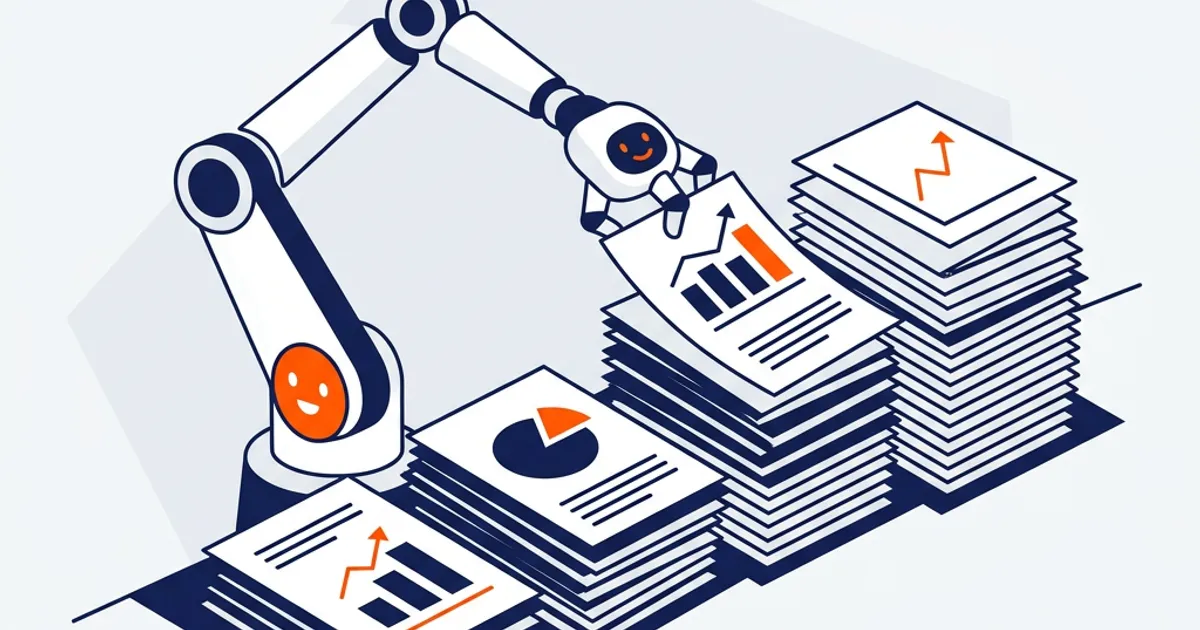
AI data entry for accountants uses AI to capture information from source documents — statements, invoices, receipts — and record it into the ledger as coded transactions. It reads the documents, extracts the fields, proposes the coding, and flags anything unclear, so accountants review exceptions instead of keying every line.
The most repetitive work in the building
Data entry is the least glamorous and most time-consuming task in a firm: transcribing bank statements, invoices, and receipts into the general ledger, line by line, and coding each one. It's pure mechanical volume — no judgment in 95% of it — yet it consumes hours that could go to review and advisory. It's also where fatigue-driven errors creep in, because keying hundreds of lines is exactly the kind of task humans do worst.
That profile — high-volume, low-judgment, error-prone by hand — is the clearest possible case for automation. It's also the work most likely to be pushed to the end of the day when attention is lowest, which is precisely when transcription mistakes multiply and quietly flow downstream into reconciliations and reports.
Why simple automation and chatbots miss
Rule-based capture tools handle clean, standard documents but break on the messy real-world ones — a statement that starts several rows down, an invoice in an odd layout, a scanned receipt. A general chatbot can't reliably pull structured data from your documents into your ledger, doesn't retain each client's coding rules, and leaves no record of what it entered. Neither reliably turns a stack of source documents into coded, traceable ledger entries.
How OCTA Flow does data entry
OCTA Flow handles capture and coding as part of an Engagement:
- Skills — capture procedures read source documents, extract the fields, and propose journal entries coded to your rules.
- Connectors — write proposed entries into QuickBooks, Xero, Sage, or Zoho after review.
- Automations — recurring capture runs across every client on schedule.
- Approvals + audit trail — the accountant reviews exceptions and posts; every action is logged.
Flow handles non-standard layouts once you note the format, and flags anything it isn't sure about as a finding rather than guessing. On 200+ independent accounting scenarios it scored 83% accuracy, with review before entries are posted. See it feed a reconciliation in how to automate bank reconciliation in QuickBooks and the downstream step in bank reconciliation automation.
A concrete example
Take a client who sends a monthly folder of vendor invoices in mixed formats — a few PDFs, a couple of photographed receipts, and a spreadsheet export. Instead of an accountant keying each one, Flow reads the folder, extracts vendor, date, amount, and line detail from every document, and proposes coded entries against the client's chart of accounts. It flags two items for review: a receipt where the total is unreadable, and an invoice whose amount is triple the client's usual for that vendor. The accountant resolves those two, approves the rest, and the entries post — a folder that used to take an afternoon is handled in minutes, with the two genuine judgment calls surfaced instead of buried.
Trust, control, and security
Data entry touches the ledger directly, so control is strict. Each firm's data is isolated and is not used to train models. Quality Gates check the extraction before it reaches you, unclear items surface as findings, and entries are proposed, not auto-posted — nothing hits the ledger without your action. The AI keys the lines; the accountant approves them.
Frequently Asked Questions
Can AI do accounting data entry accurately? Yes — it extracts and codes from source documents and flags anything unclear, so you review exceptions rather than every line. Accuracy on independent scenarios was 83%, always with review.
Does it post entries automatically? No. It proposes coded entries; you review and post them. Nothing is final without your action.
What about messy or non-standard documents? Note the layout once and Flow applies it on every future run for that client, instead of breaking on the format.
Does it get better for a client over time? Yes. Because each client's capture rules and coding live in a Skill, the handling you refine on one batch carries forward automatically — fewer items get flagged for review each cycle as the setup settles, without you re-explaining anything.
See your data entry proposed and coded for review — free for 30 days. → Start your trial